Income and expense entries
Each entry holds a title, amount, category, date and account. Nothing else to fill in.
Free Android app
Budget Monitor India is an offline-first income and expense tracker for Indian households and small shops. Your records live in a database on your own device, and there is no account to create and no server to trust.
Features
Built for daily use: household money, a small shop, an office float, or all three side by side.
Each entry holds a title, amount, category, date and account. Nothing else to fill in.
Every entry records when you added it and when you last changed it, automatically.
Keep Personal, Office and Shop apart. Filter to one account whenever you need to.
One combined picture across everything, plus a running balance for each account.
Create the categories you actually use, and delete the ones you do not.
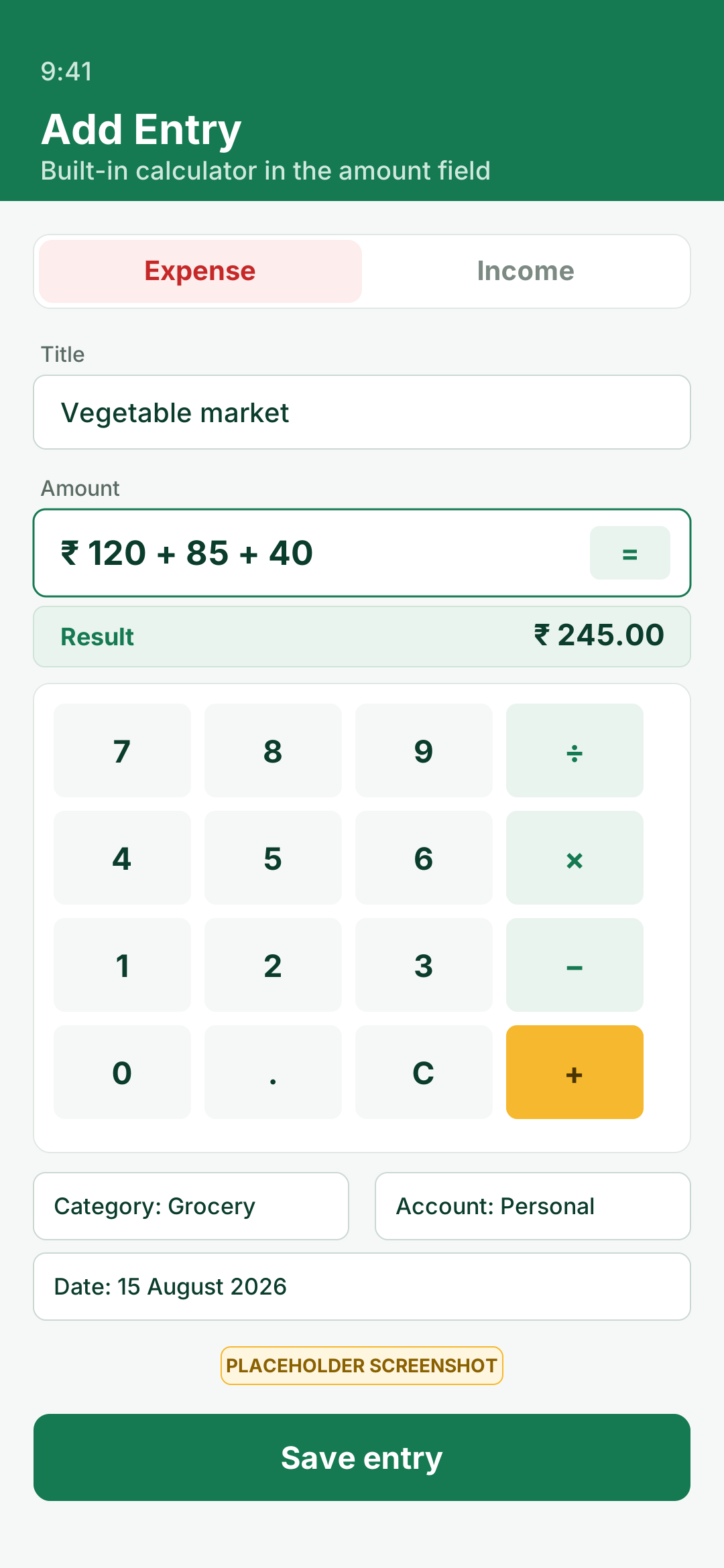
Add three bills together while you type. No switching apps to work out a total.
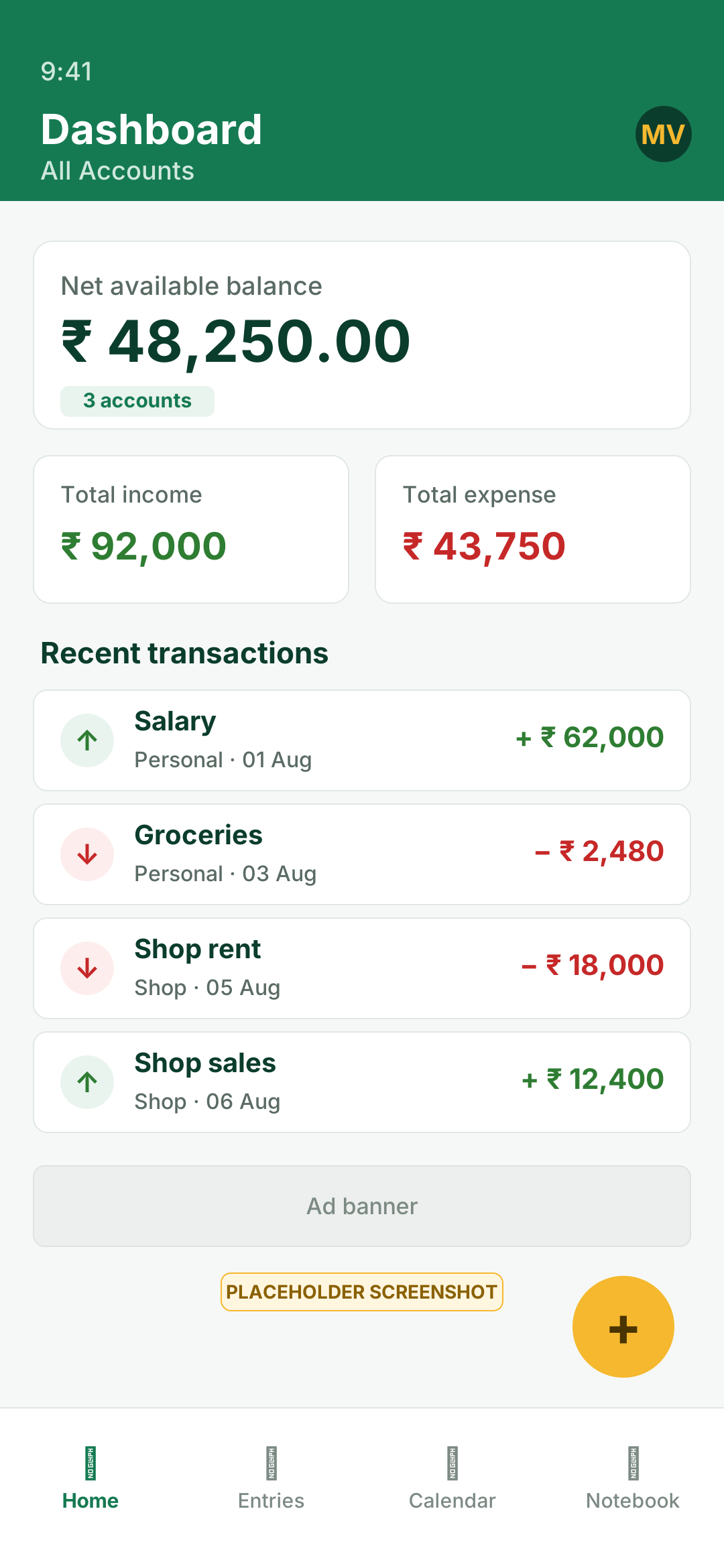
Net available balance, total income, total expense and your recent transactions.
Show everything, narrow to a month and year, or pick your own date range.
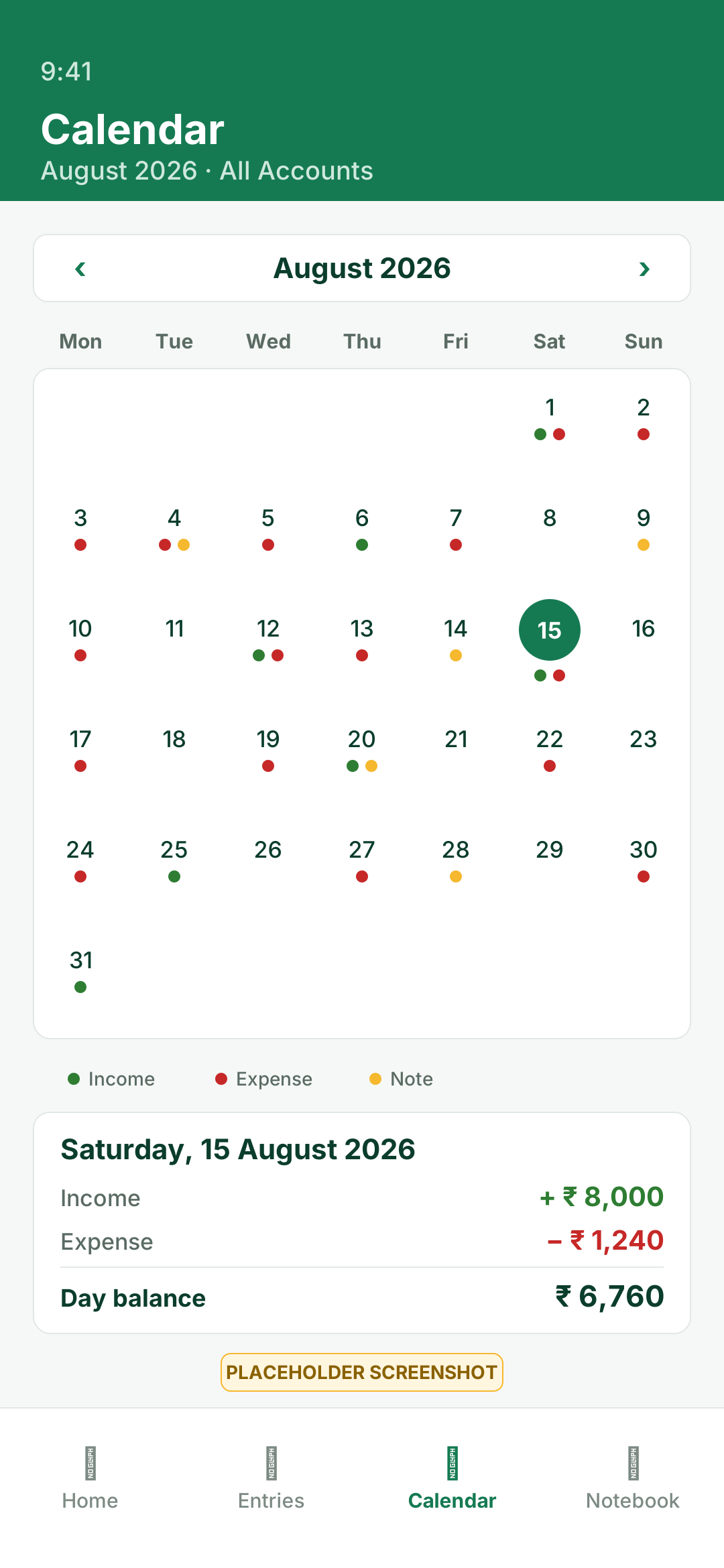
A month grid marking income, expense and note days, with a summary for the day you tap.
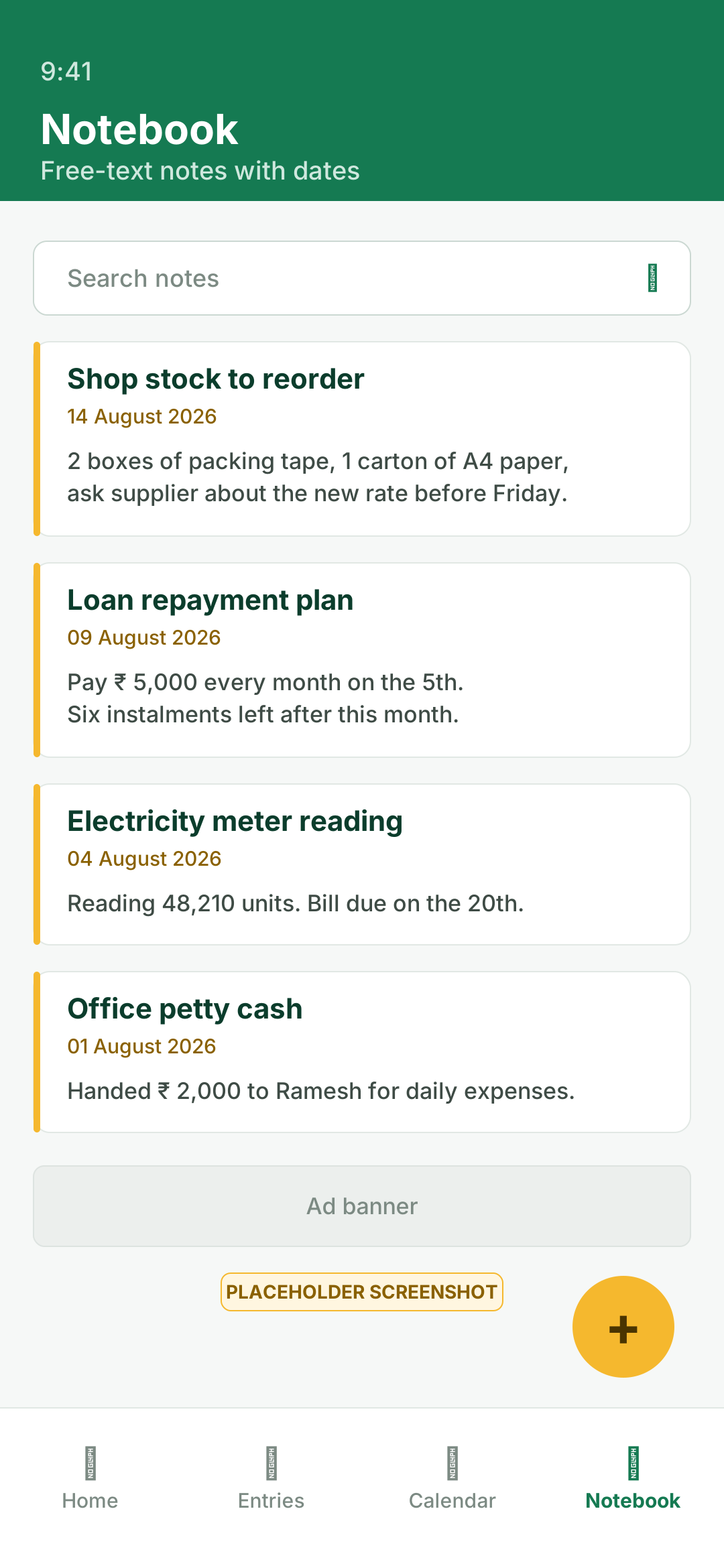
Plain text notes with dates, for the things a transaction row cannot hold.
Count the cash drawer by denomination: ₹500 down to ₹1, totalled as you go.
A normal calculator with a running history, so you can check what you just added up.
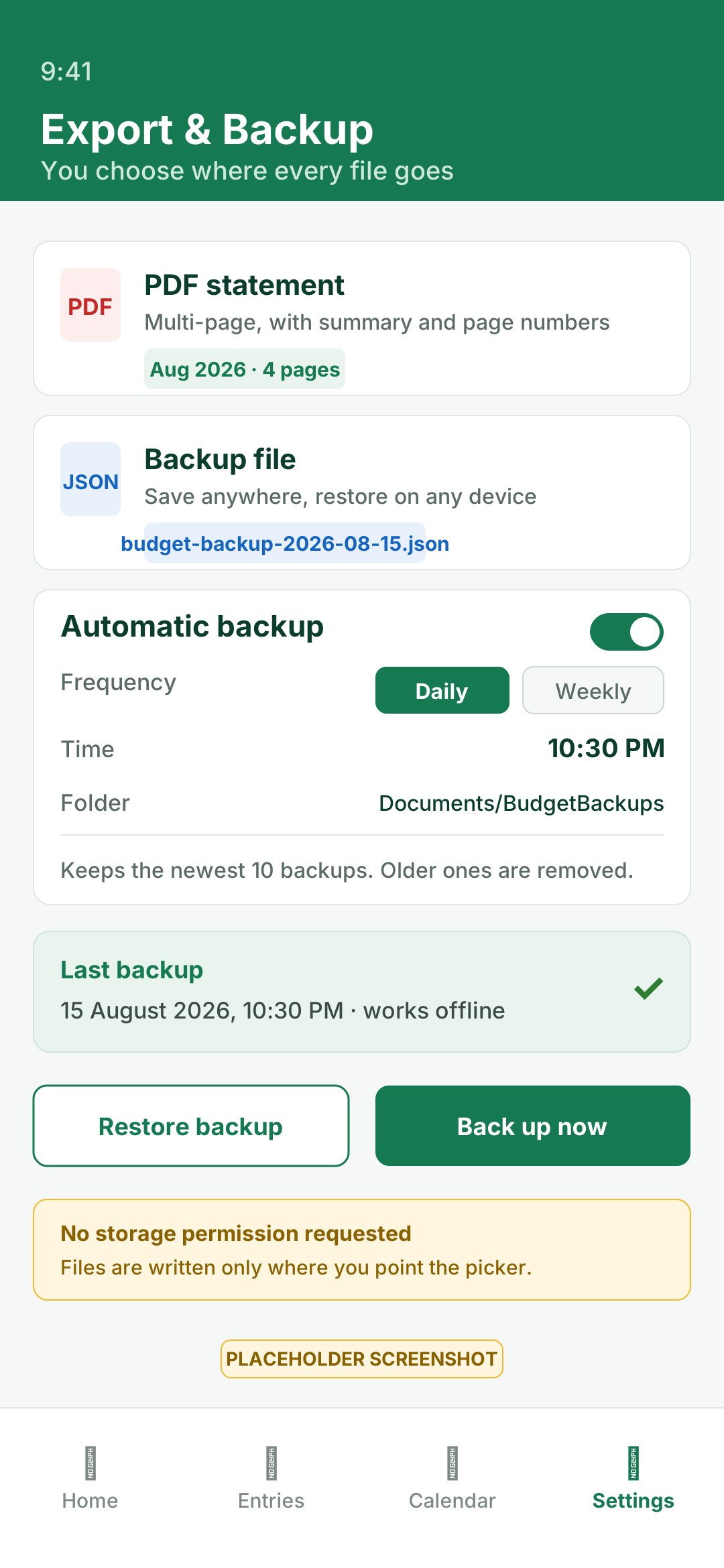
A financial summary, table headers repeated on every page, and page numbers throughout.
One file with all your data, saved wherever you point Android's file picker.
Daily or weekly, at your chosen time, into a folder you pick once. Keeps the newest 10.
The app never asks for access to your files. It only sees the one file or folder you pick.
Locks the app screen. A short grace period means the file picker does not lock you out.
Nothing to sign up for, nothing to sync, and no copy of your money data anywhere else.
Pick whichever is easier on your eyes. The app remembers your choice.
The panel caches what it last loaded, so it still shows something with no signal.
The app tells you when a newer version is on Google Play, so you are not left behind.
Screenshots
Scroll sideways, or use the arrows. Every screen works with no connection.
7 screens


How it works
Tap add, pick income or expense, and type the amount. If you are totalling a few bills, use the calculator right there in the amount field. Title, category, date and account, and you are done.
Keep the shop apart from the house. Make the categories that match how you actually spend, then filter to one account or look at everything together.
Print a PDF statement for the month, or save a JSON backup wherever you like. Turn on the daily or weekly automatic backup and it keeps the newest ten for you.
Privacy
FAQ
Yes. The app is free to download and free to use. There is no paid tier, no subscription and no feature locked behind a payment. It shows a Google AdMob banner, and that is how the work is paid for.
No. There is no account, no email address, no phone number and no login screen. Install the app and start entering money straight away.
In a SQLite database in the app's own private storage on your phone. It is not uploaded anywhere, and there is no server holding a copy of it.
Yes. Entries, filters, the calendar, the notebook, both calculators, PDF export, JSON backup and the scheduled automatic backup all run with no connection. Internet is only used to load the Upcoming Features list, check Google Play for app updates, and load ads.
Export a JSON backup on the old phone and save it wherever you like through the Android file picker. Install the app on the new phone and restore that file. Because there is no cloud sync, that file is the transfer.
PDF, yes: a multi-page statement with a financial summary, table headers repeated on every page and page numbers. There is no Excel or CSV export at the moment. The JSON backup is a complete machine-readable copy of your data.
Yes, a Google AdMob banner. Google receives your device's resettable Advertising ID, IP address, device information and ad interactions. Google never receives your entries, amounts, categories, accounts or notes.
No, and it would be wrong to claim otherwise. The database lives in the app's private storage area, which other apps cannot read on a normal Android device, but it is not encrypted at rest. The optional 4-digit PIN locks the app screen; it is not an encryption key.
Keep your phone's own screen lock switched on. Android's device encryption is the protection that matters most here. If a phone is rooted, or handed over unlocked, treat the data as readable.
Delete entries one at a time, delete an account together with its transactions, or clear the lot from Android Settings → Apps → Budget Monitor India → Storage → Clear data. Uninstalling the app also removes it.
Export a backup first, because clearing app data cannot be undone. Step-by-step deletion instructions.
Free, works offline, and there is nothing to sign up for. Install it and add your first entry in under a minute.